
To complete Wraw first click on the unique link that has been shared with you.
IMPORTANT!
If you have completed Wraw before, you will need to select the "Already have an Account? option to log into your account.
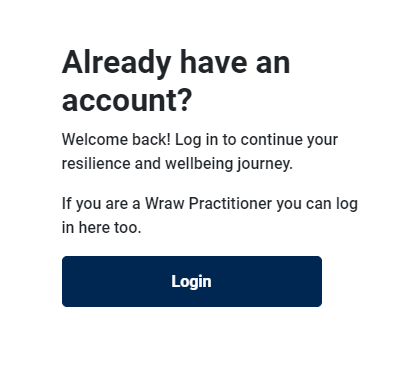
The link is usually provided by your Wraw Practitioner or your HR Department with instructions on how to complete & perhaps workshops or follow up information.
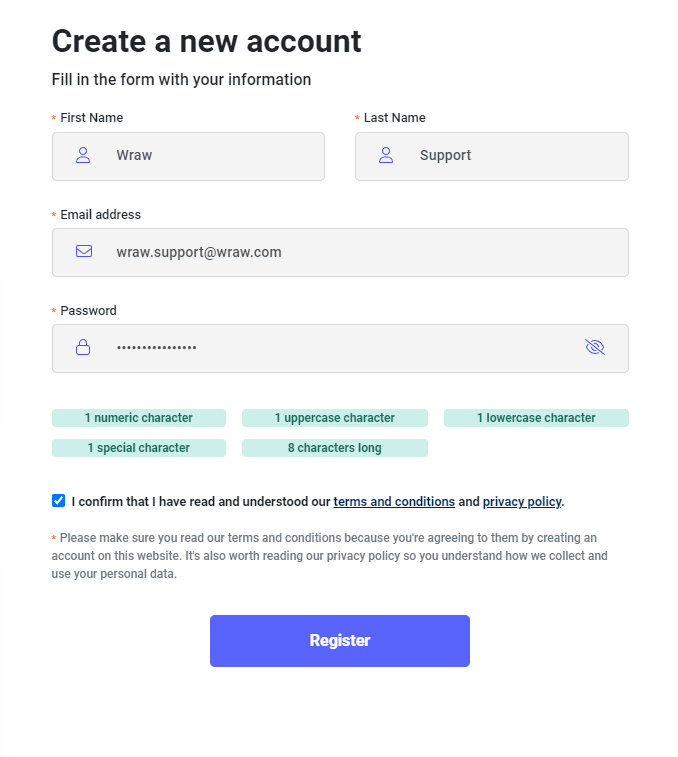
When the link is clicked the registration screen opens. You will need to complete all the fields to register.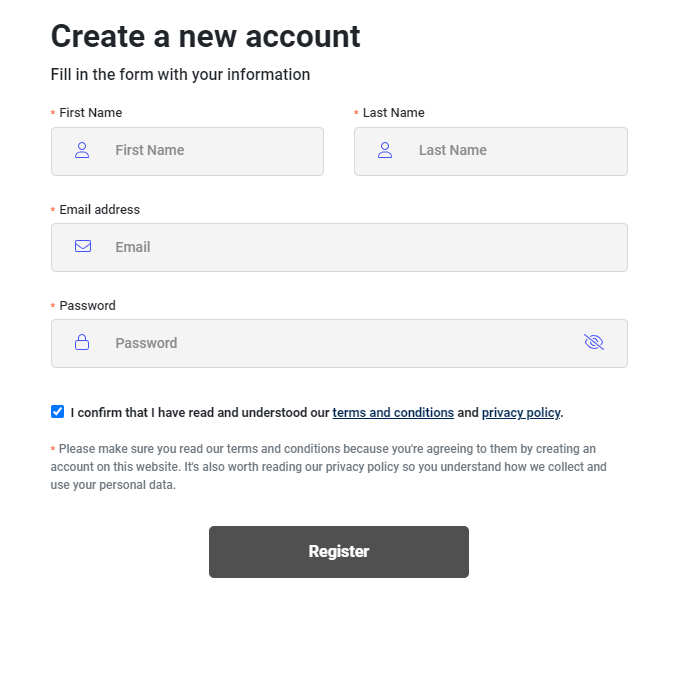
To ensure the security of your account we have a strict password criteria that must be met. 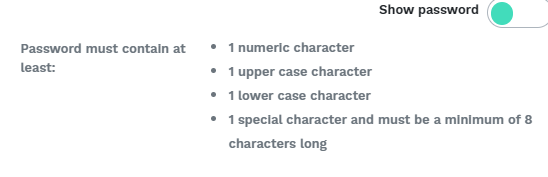
You will know if you have met the password criteria as each field turns green when they are used in your chosen passoword.

Next you will need to agree to the terms & conditions which can be accessed at the bottom of the page, by ticking the box as shown below.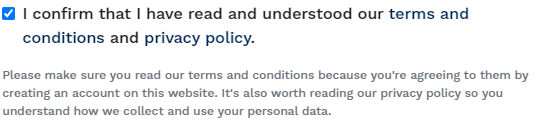
When completed your registration form should look like this.
Next click the registration button, and you will be redirected to this verification screen.
IMPORTANT - DO NOT CLOSE THIS WINDOW
You will receive a verification email to your inbox. Please also check you junk & spam folders.
Enter this code onto your screen and click verify.
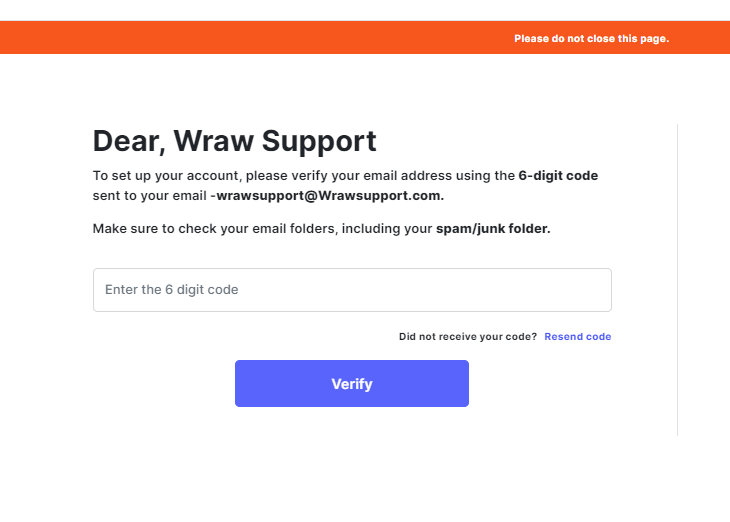 If this code does not come through, please check that you have entered your email address correctly. The email address is confirmed in the text as shown below.
If you entered your email address incorrectly, please close all windows of the Wraw platform you have open and click the project link to start again.
Please also check that this email has not gone into your junk or spam folders.
The six digit verification code will expire after 20 minutes. If your code expires, you can re-trigger a new code using the resent code function, as shown below.

When you have entered your six digit code your questionnaire will start on the next screen.